
For agencies
Media monitoring for PR agencies, delivered to Slack and Teams
One monitoring setup per client, each with its own keyword set and its own destination channel. Coverage lands in the Slack or Teams channel the account team already works in, instead of an inbox one person has to forward from.
Built for the practical agency problem: five clients, overlapping industries, and a team that needs to spot coverage before the client does.
How an agency sets this up
Roughly ten minutes per client, and the account team stops chasing coverage manually.
- 1
One keyword set per client
Brand names, spokespeople, product lines and competitors — kept separate per client so scoring stays accurate.
- 2
One channel per client
Route each client's coverage to its own Slack or Teams channel, whether that is an internal account channel or a shared channel with the client.
- 3
Set the noise floor
Each client's rule has its own minimum relevance score and schedule, so a high-volume client and a niche one can behave differently.
Keyword sets that don't bleed between clients
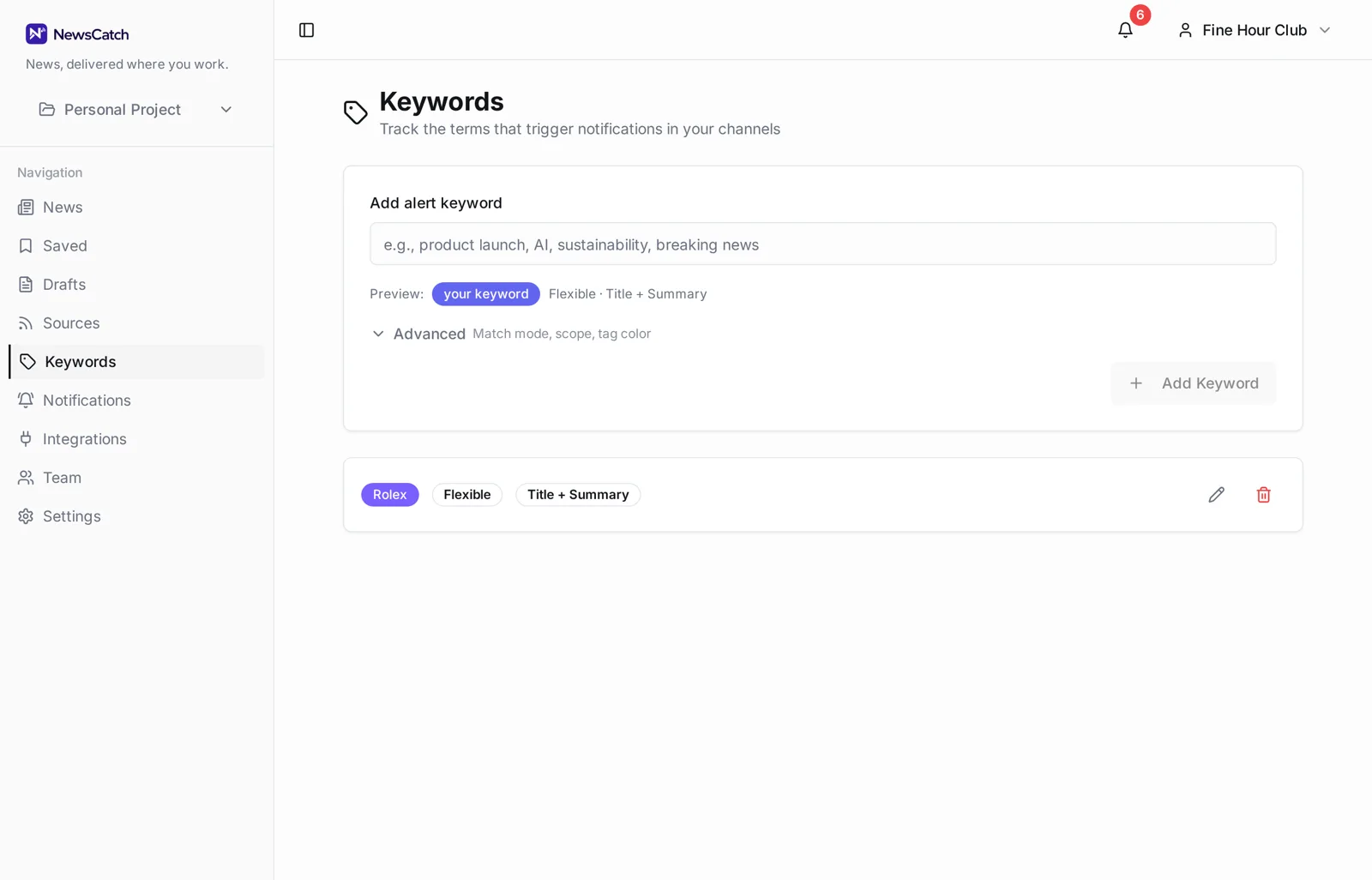
Two clients in the same industry share vocabulary. Separate keyword sets are what stop one client's alerts filling with the other's news.
Keywords are colour-coded and editable inline, so refreshing a client's terms after a campaign launch or a spokesperson change takes seconds rather than a rebuild.
- Separate keyword sets per client
- Inline editing when campaigns change
- Relevance scoring against each client's own terms
- De-duplication so one story posts once
Per-client routing and reporting rhythm
Different clients want different cadence. That is a setting, not a compromise.
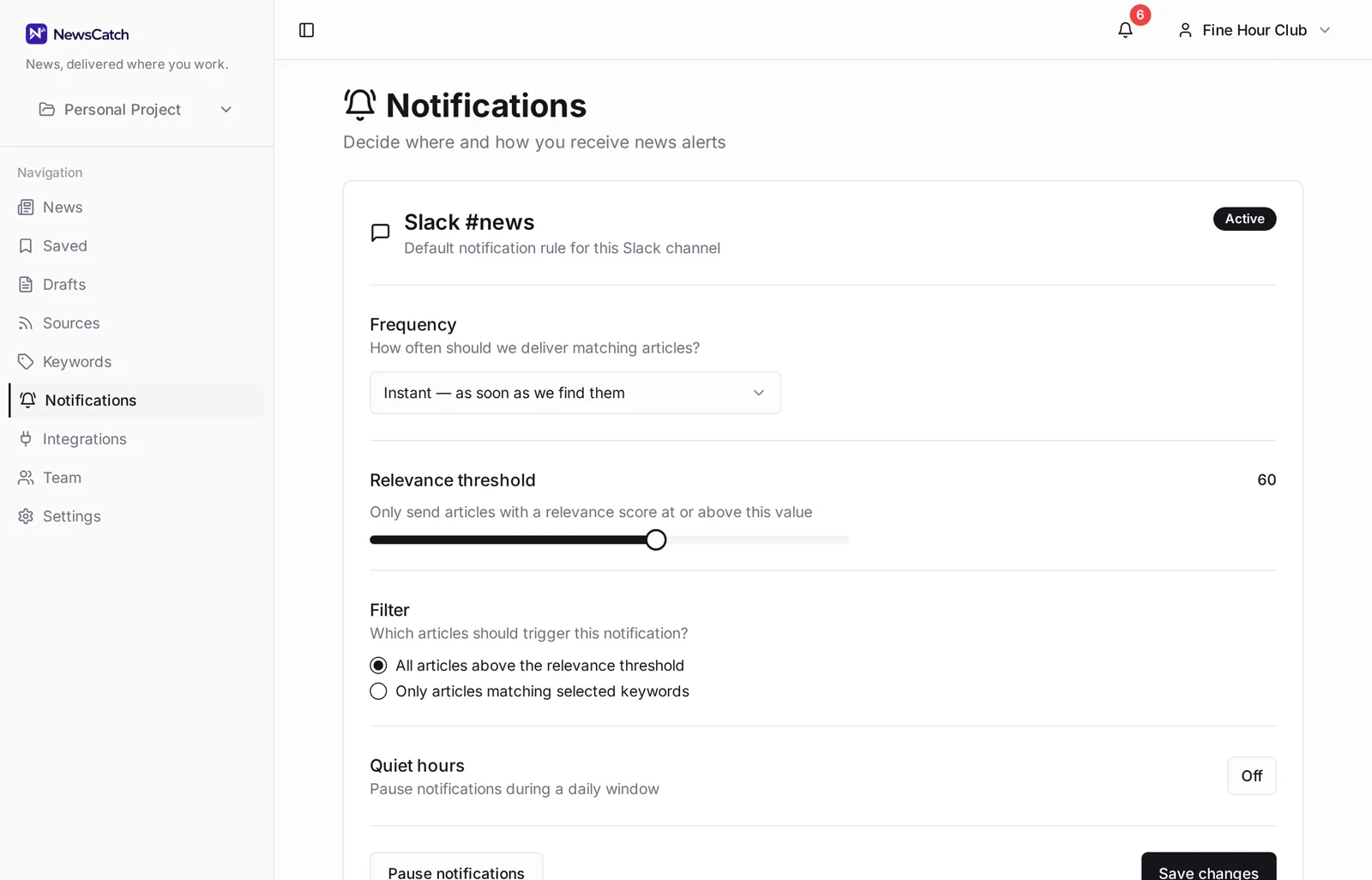
Real-time alerts suit crisis and launch windows. A daily digest suits steady-state accounts. Quiet hours keep overnight coverage from waking anyone, and saved articles give you a shortlist to pull into a client report.
- Real-time or digest per client
- Quiet hours per rule
- Saved articles for reporting
- Slack and Teams side by side
Questions from agencies
Can clients see the monitoring directly?
You can route a client's coverage into a shared Slack or Teams channel they are in, which is usually simpler than giving them an account to learn.
How do you keep two similar clients from polluting each other's feeds?
Keyword sets and relevance scoring are per project. An article is scored against one client's terms at a time, so overlap in an industry does not merge the feeds.
Does the same story post repeatedly across outlets?
No. Near-duplicate coverage of one event is collapsed to a single canonical article before delivery.
Is there a per-client cost?
Pilots are founder-assisted and free for 14 days, and we agree commercial terms afterwards based on how many clients and channels you actually run.
Can we use it for new business research too?
Yes — a prospect's brand and competitors make a perfectly good keyword set, and the coverage history is useful in a pitch.
Related
Ready to try it? See how the 14-day pilot works.