
Feed delivery
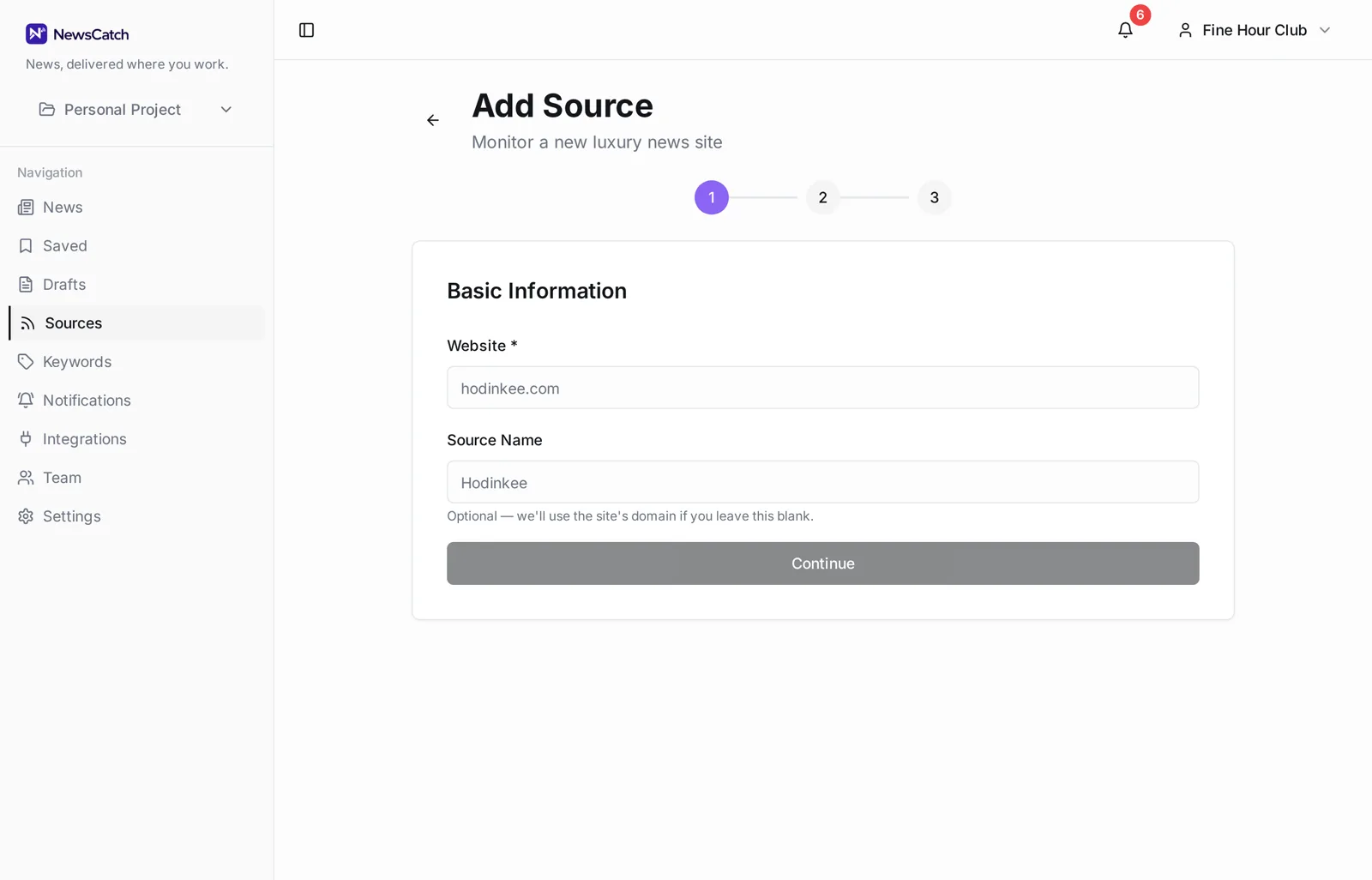
Send RSS feeds to a Microsoft Teams channel
Add the feed URLs you want followed and NewsCatch posts their items into a Teams channel. Keyword and relevance filters are optional, so a feed can be forwarded whole or trimmed down to the items that matter.
Works whether you can sign in with Microsoft or have to connect manually with a channel link or Workflows webhook.
Feed in, Teams post out
Nothing to maintain once the feed and the destination are set.
- 1
Paste the feed URL
RSS or Atom. NewsCatch validates the feed, stores its title, and polls it on a schedule.
- 2
Decide how much to forward
Forward the whole feed, or attach keywords and a minimum relevance score so only some items qualify.
- 3
Choose the Teams channel
Pick a team and channel after signing in with Microsoft, or paste a channel link or Workflows webhook URL if your tenant restricts app consent.
Adding feeds
Feed URL if you have it, site URL if you don't.
NewsCatch can detect a declared feed from a site address, which saves hunting for the feed URL on sites that hide it. Feeds that stop responding are flagged, so a quiet channel is explainable.
- RSS and Atom support
- Feed detection from a site URL
- Per-feed health status
- Duplicates collapsed across feeds
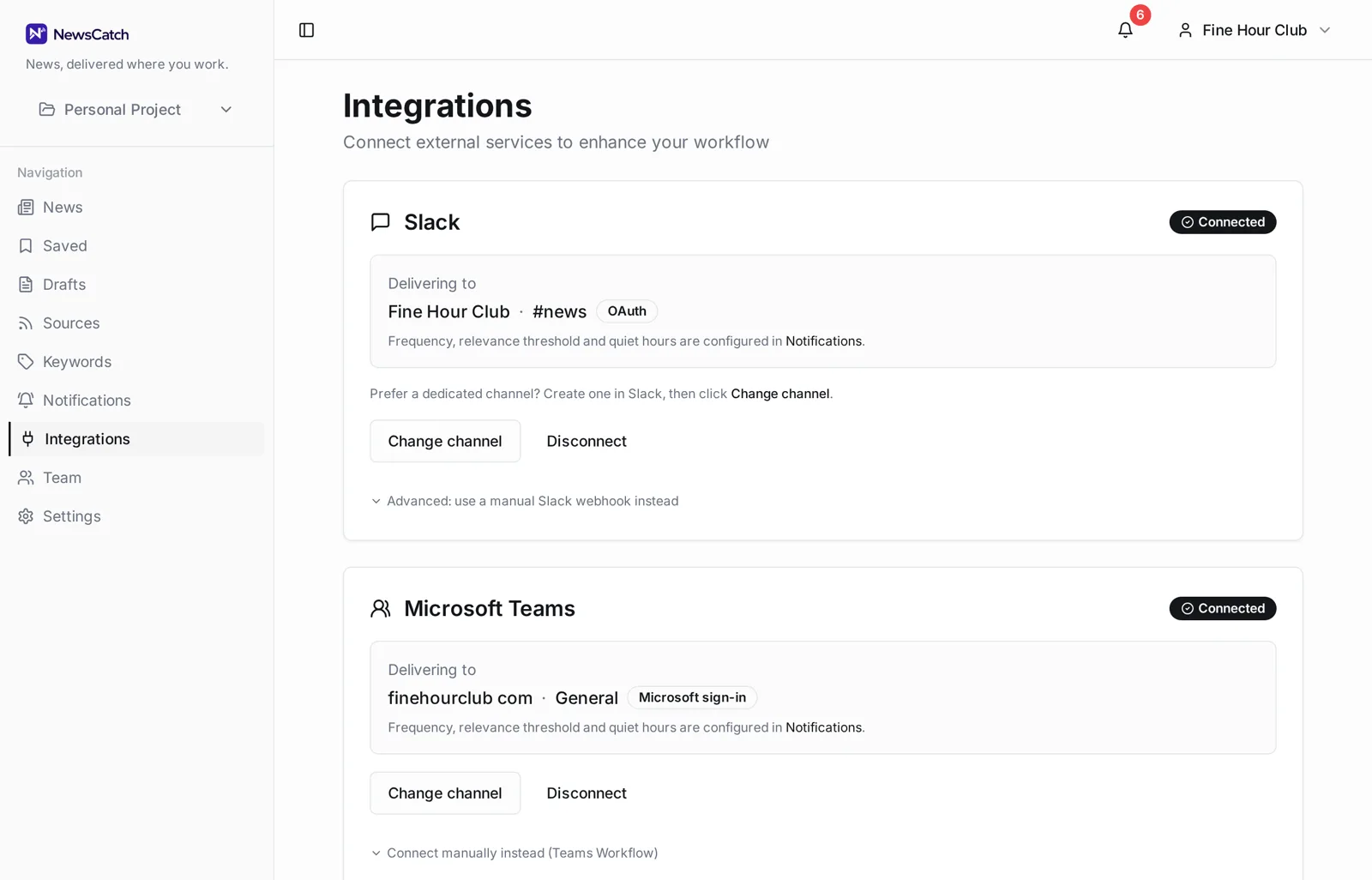
Two connection paths for Teams
Microsoft 365 tenants vary in what they let users authorise. Both routes deliver the same posts.
Sign in with Microsoft to pick a team and channel from a list, with access refreshed automatically.
Connect manually by pasting a Teams channel link or a Workflows webhook URL — no Entra ID approval needed.
Questions about RSS in Microsoft Teams
Do I need Teams admin rights?
Not for the manual path — a channel link or Workflows webhook works without admin consent. Signing in with Microsoft may require an admin to approve the app depending on your tenant's settings.
How is this different from monitoring topics?
Here you supply the exact feeds. Topic monitoring is the other direction: you describe what you care about and NewsCatch finds and watches sources covering it.
Can I send different feeds to different channels?
Yes. Each rule pairs its own set of feeds and filters with one destination channel.
Will a busy feed flood the channel?
Not if you use digest delivery or a keyword filter. Both are per-rule settings you can change at any time.
Are Workflows webhooks reliable long term?
They work well as a fallback, but the signed-in Microsoft connection is the more durable option because it does not depend on a workflow someone might delete.
Related
Ready to try it? See how the 14-day pilot works.