
Slack app
NewsCatch for Slack
NewsCatch monitors the publications, competitors and topics your team follows, scores every article against what you actually care about, and posts the ones worth reading into a Slack channel you choose.
One authorisation, one destination channel, and a relevance bar you control — so the channel is still being read six weeks later.
How to install NewsCatch in Slack
Installation happens from inside NewsCatch, so alerts are tied to the sources and keywords you configured.
- 1
Create your NewsCatch account
Sign up and add the publications, competitors or topics you want monitored. You can start from a template if you would rather not start blank.
- 2
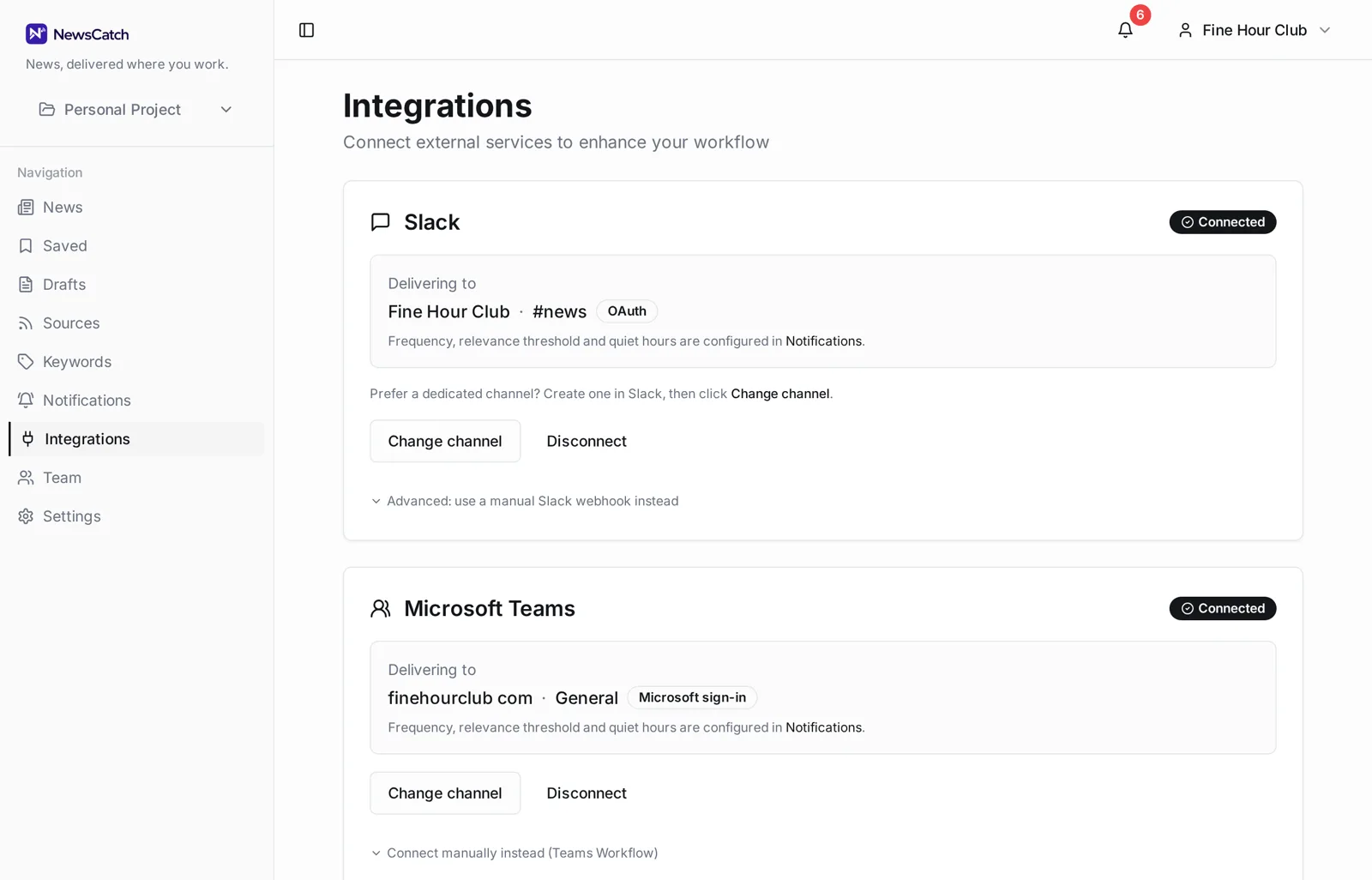
Open Integrations and choose Slack
Select Add to Slack. Slack asks you to pick the workspace and the channel NewsCatch should post to, then returns you to NewsCatch.
- 3
Set your relevance bar
Choose a minimum relevance score, delivery frequency and quiet hours. NewsCatch posts a confirmation message to the channel so you can see the format.
What NewsCatch asks for, and why
The Slack authorisation is deliberately narrow: NewsCatch posts to one channel and reads nothing.
The install uses Slack's incoming-webhook authorisation. Slack asks you to select a single destination channel and issues a webhook limited to that channel. NewsCatch stores the webhook server-side and uses it only to post alerts.
- Posts only to the channel you selected during install
- Does not read your messages, files or channel history
- Does not list or contact your workspace members
- The webhook credential is stored server-side, never in the browser
- Removing the app stops delivery immediately
What arrives in the channel
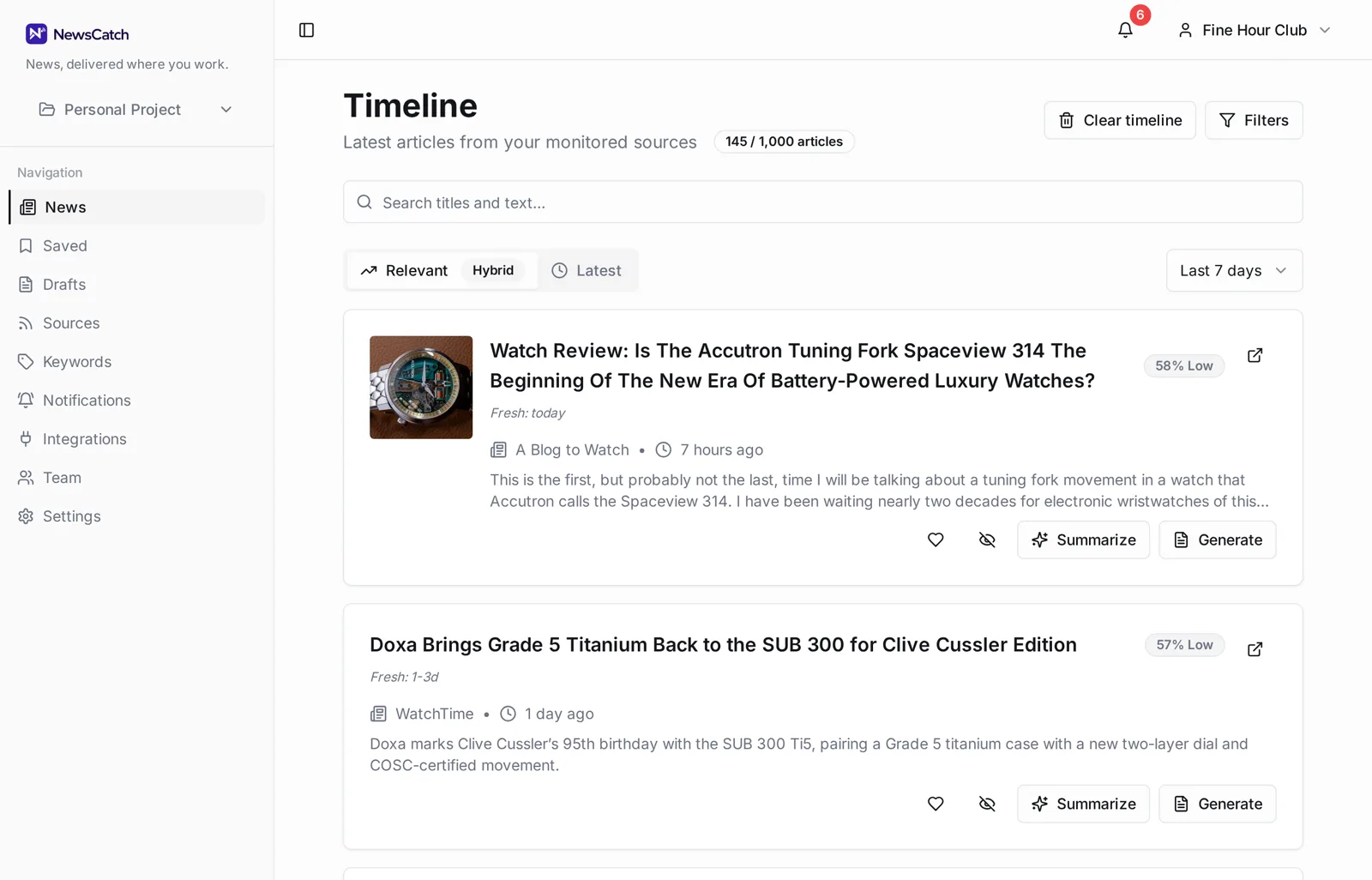
A headline, the source, why it matched your monitoring, and a link. Nothing else.
- Relevance score on every alert, with the keywords that matched
- Minimum-score threshold so weak matches never post
- De-duplication so one story does not post five times
- Real-time alerts or a batched digest at a time you choose
- Quiet hours so nothing lands overnight
- Separate keyword sets can route to separate channels
About AI-generated summaries
Some NewsCatch output is generated by large language models.
NewsCatch can generate article summaries, relevance explanations and draft content using AI models. AI-generated text can be inaccurate, incomplete or out of date, and it may misstate what a source article says.
Treat generated summaries as a pointer, not a substitute for the source. Every alert links to the original article so you can verify it before acting or publishing.
How to remove NewsCatch from Slack
Either side of the connection can end it, and both take effect immediately.
In NewsCatch, open Integrations and choose Disconnect on the Slack card. This deletes the stored webhook credential and stops delivery.
In Slack, open your workspace's app management screen and remove NewsCatch. Slack notifies NewsCatch of the uninstall, and NewsCatch deletes the stored webhook for that workspace automatically.
To delete your NewsCatch account and monitoring data as well, see the support page or the privacy policy.
Questions about the Slack app
Does NewsCatch read messages in my workspace?
No. The authorisation grants permission to post to the single channel you selected during install. NewsCatch has no access to message history, files or direct messages.
Can different topics post to different channels?
Yes. Notification rules route by keyword set, so brand coverage can land in one channel while competitor news goes to another.
How often do alerts arrive?
As they are found, or batched into a digest at a time you choose. Quiet hours hold delivery until your next allowed window.
What happens if I uninstall NewsCatch from Slack?
Slack sends an uninstall event and NewsCatch deletes the stored webhook for that workspace. Delivery stops and no further requests are made to Slack.
Does it also work with Microsoft Teams?
Yes. Microsoft Teams is supported as a first-class delivery destination alongside Slack, either via Microsoft sign-in or a Teams Workflows webhook.
Where do I get help?
The support page lists how to reach us, typical response times, and how to request data deletion.
Related
Ready to try it? See how the 14-day pilot works.