Slack delivery
Get relevant news alerts in Slack
Pick the publications and topics your team follows. NewsCatch reads them continuously, scores every article against what you actually care about, and posts the ones worth reading into the Slack channel you choose.
It is monitoring, not a firehose: the point is that people keep reading the channel six weeks in.
How news alerts reach your Slack channel
Three decisions, then it runs on its own.
- 1
Choose what to monitor
Add publications and trade press from the source library, or point NewsCatch at competitors and topics you want covered.
- 2
Set your relevance bar
Keywords and a minimum relevance score decide what qualifies. Raise the bar and only strong matches get through.
- 3
Connect Slack
Authorise the Slack workspace once and pick the destination channel. Alerts arrive in real time or as a daily digest.
Relevance filtering is the whole product
Anyone can push every headline into a channel. The hard part is deciding what not to send.
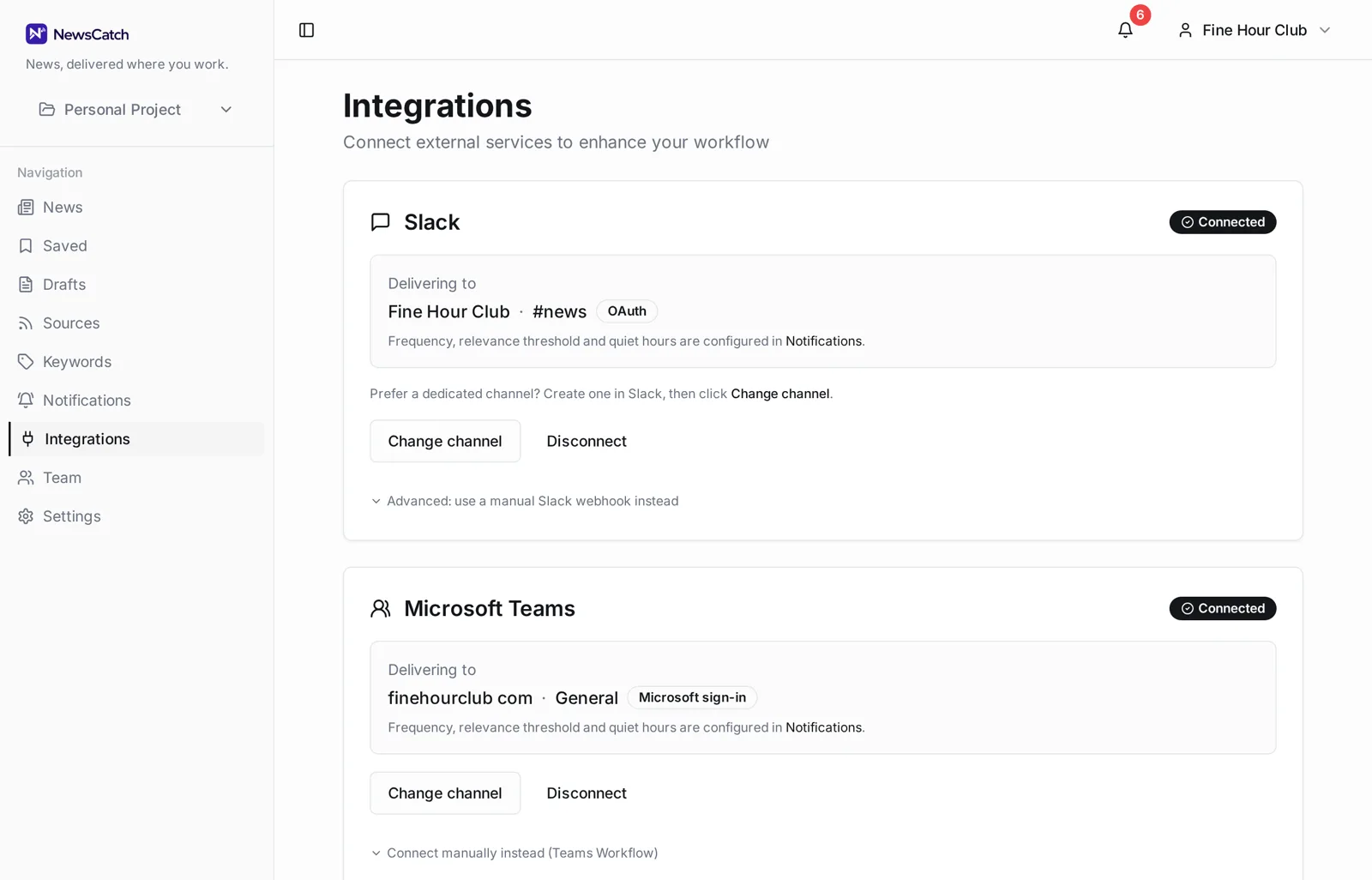
Every article gets scored against your keywords and monitored topics before it is eligible for delivery. Articles below your minimum score never reach Slack, and near-duplicate coverage of the same story is collapsed so one event does not post five times.
- Per-article relevance score you can see and tune
- Minimum score threshold per notification rule
- De-duplication across sources covering one story
- Real-time alerts or a batched daily digest
- Quiet hours so nothing lands overnight
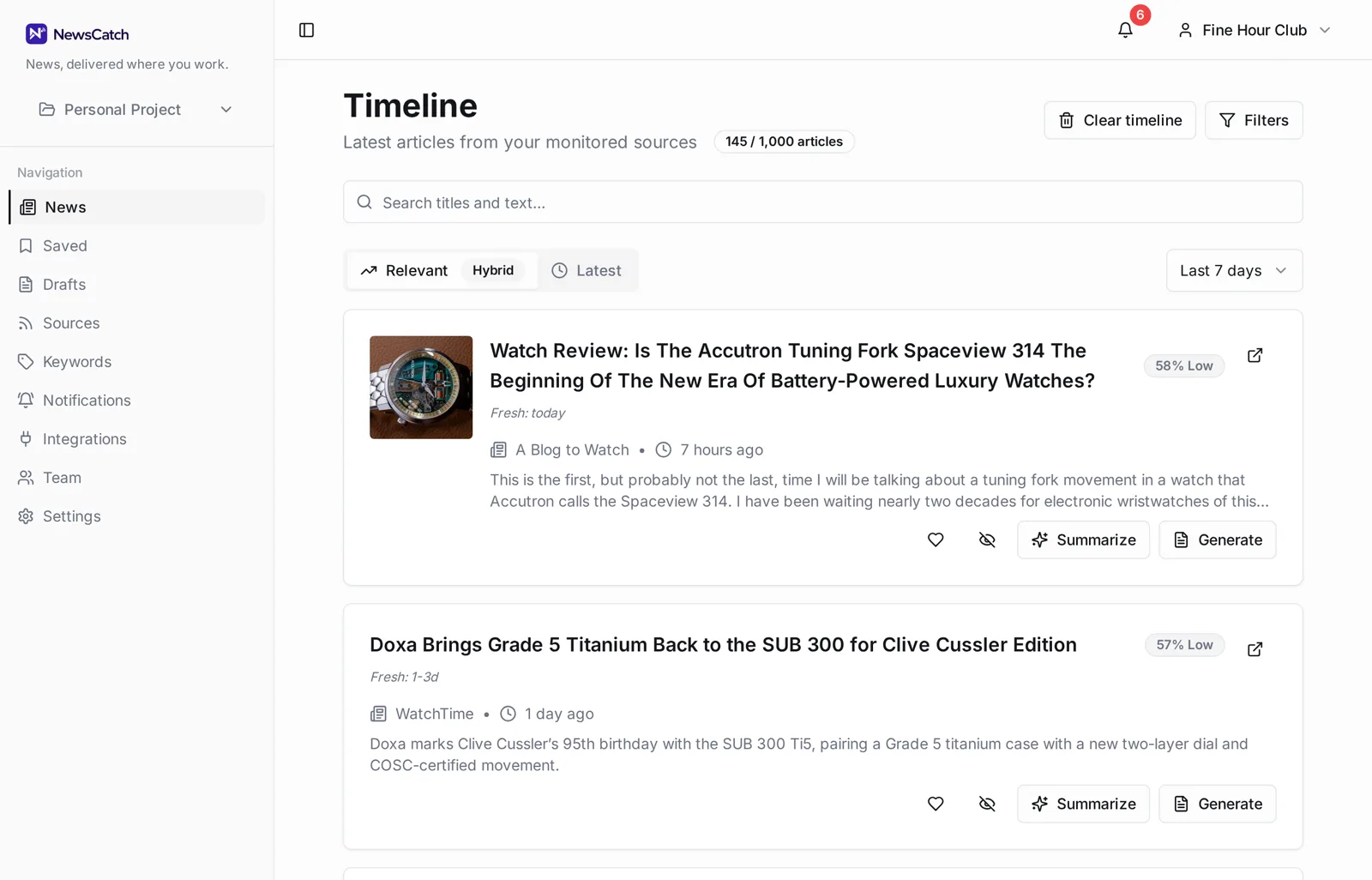
Connecting Slack takes one authorisation
No webhook wrangling unless you want it. The Slack app handles channel selection for you.
Who this is for
Teams where news is an input to daily work, not background reading.
- Comms and PR teams tracking coverage of their brand and clients
- Founders and execs who want the industry's signal without the scroll
- Sales teams watching for trigger events at target accounts
- Product and strategy teams following competitor announcements
Questions about Slack news alerts
Can different topics go to different Slack channels?
Yes. Notification rules route by keyword set, so brand coverage can land in one channel while competitor news goes to another.
How often do alerts arrive?
Either as they are found, or batched into a digest at a time you choose. Quiet hours hold delivery until the window you set.
What if the channel gets too noisy?
Raise the minimum relevance score or tighten the keyword set. Both take effect on the next delivery, and you can see the effect on the timeline before you change anything.
Do I need a Slack admin to set it up?
Installing the app into a Slack workspace usually requires someone who can approve apps. After that, choosing channels is self-serve.
Can I use Microsoft Teams instead?
Yes — Teams is a first-class destination alongside Slack, with the same relevance filtering and routing.
Related
Ready to try it? See how the 14-day pilot works.