
Microsoft Teams delivery
News monitoring in Microsoft Teams
Turn a Teams channel into a filtered news feed. NewsCatch monitors the publications and topics you choose, ranks what it finds, and posts the articles that clear your relevance bar into the channel your team already has open.
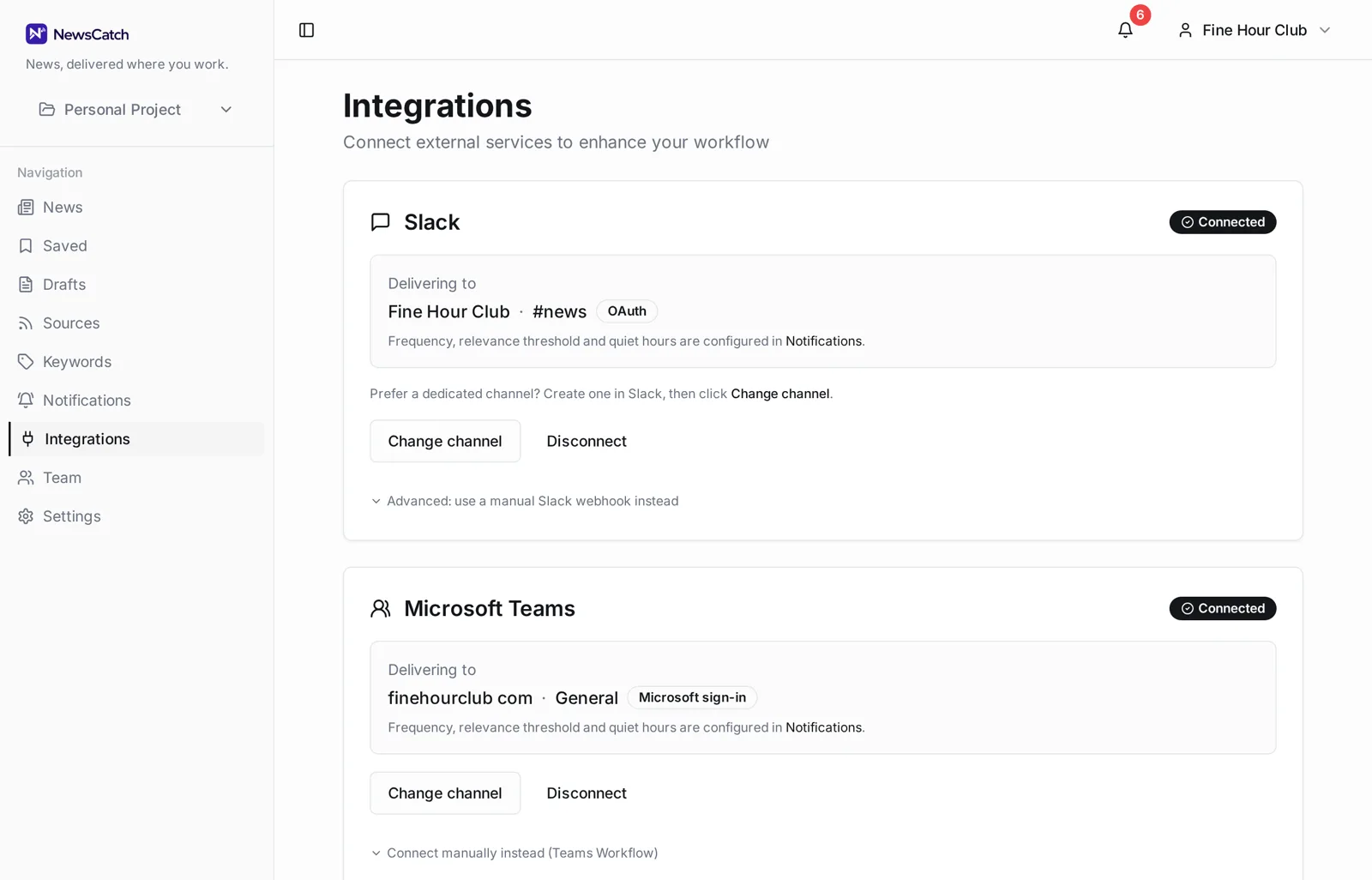
Connect with your Microsoft work account, or paste a channel link if your tenant restricts app permissions.
From monitored source to Teams post
Set it up once with your Microsoft account and the channel keeps itself current.
- 1
Pick sources and topics
Choose publications, trade press and competitor sites, or describe a topic and let source discovery propose outlets covering it.
- 2
Tune what qualifies
Keywords plus a minimum relevance score decide what is worth a post. Everything else stays in the app, out of the channel.
- 3
Connect Microsoft Teams
Sign in with your Microsoft work account and choose a team and channel. If your tenant blocks app consent, connect manually with a channel link or Workflows webhook instead.
Two ways to connect, because tenants differ
Microsoft 365 admins often restrict which apps users can consent to. Both paths get you the same delivery.
Sign in with Microsoft. NewsCatch reads the teams and channels you already belong to so you can pick a destination from a list. Access is refreshed automatically.
Connect manually. Paste a Teams channel link, or use a Teams Workflows webhook. Nothing needs approving in Entra ID, which is often the fastest route in a locked-down tenant.
Why the channel stays readable
A Teams channel that posts everything gets muted within a week.
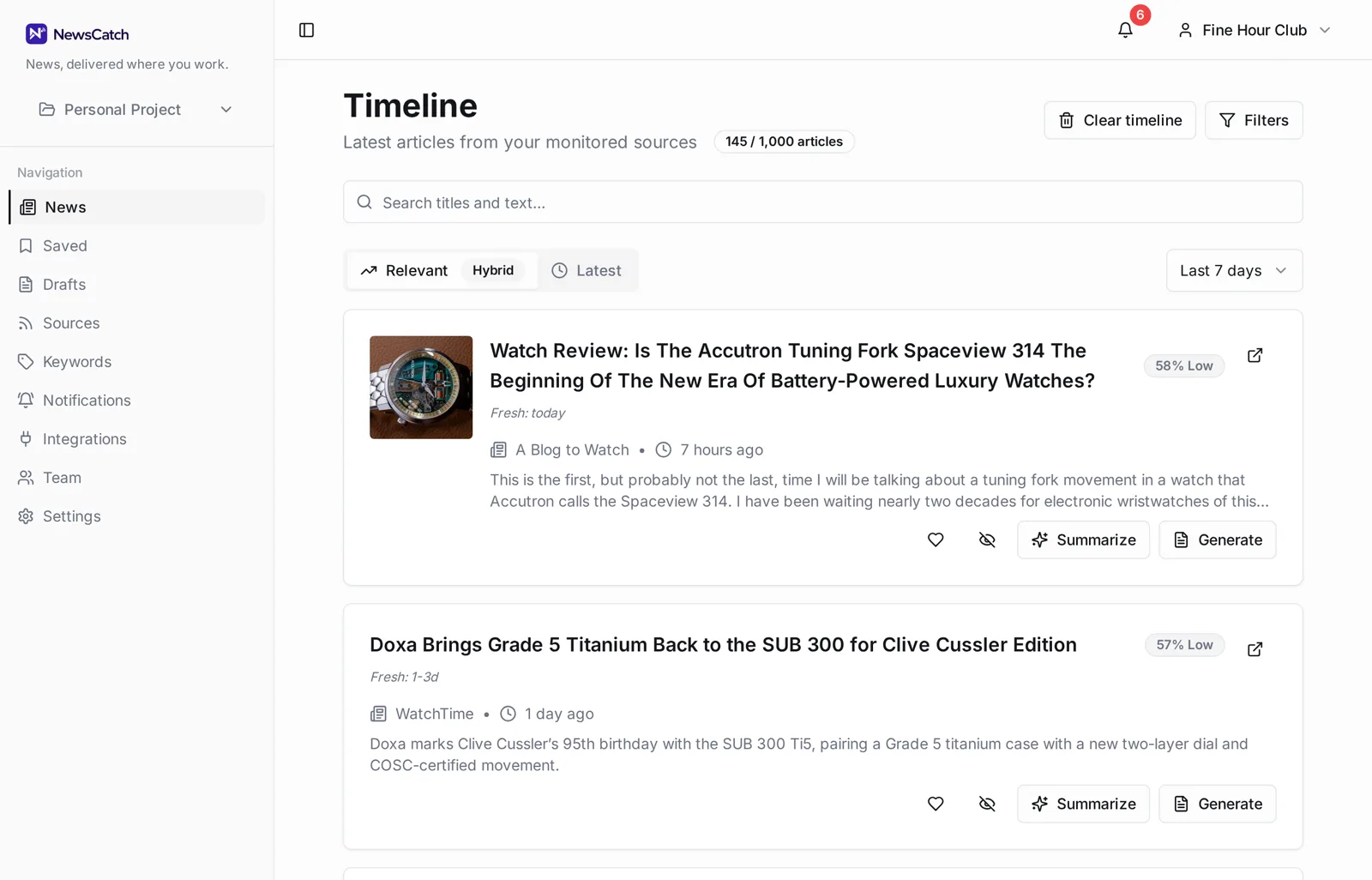
Articles are scored against your keywords and monitored topics before delivery, and duplicate coverage of a single story is collapsed. You choose the threshold, so the volume in the channel is a decision rather than an accident.
- Minimum relevance score per rule
- One post per story, not one per outlet
- Real-time or digest delivery
- Quiet hours for overnight silence
Questions about monitoring news in Teams
Which Microsoft account should I use?
The work or school account that belongs to the team you want posts in. Personal Microsoft accounts do not have Teams channels to target.
NewsCatch says it can't see any teams. Why?
Some tenants restrict directory and team listing for third-party apps. In that case use the manual option and paste the channel link — you can copy it from the channel's 'Get link to channel' menu.
Can several teams get different feeds?
Yes. Each notification rule has its own keyword set and destination channel, so different teams can monitor different things.
Does it also work with Slack?
Yes. Slack and Teams are both first-class destinations, and you can deliver to both at once.
How far back does monitoring go?
Monitoring starts when you add a source. Historical archives are not backfilled, so the channel reflects coverage from setup onward.
Related
Ready to try it? See how the 14-day pilot works.